Evaluating the Daisy Floral Wreath for Creative Projects
Selecting the right botanical element is a foundational step in visual design, particularly when aiming for an aesthetic that balances organic warmth with structured elegance. The Daisy Floral Wreath and Botanical Wreath of plant branches serves as a versatile digital asset tailored for creators seeking a specific dreamy, natural feel. Unlike generic clip art, this resource is engineered for professional adaptability across crafting, scrapbooking, printing, and branding applications. Understanding the technical specifications and practical applications of this asset allows designers and hobbyists to determine if it aligns with their current project requirements and long-term creative goals.
Defining the Asset and Its Core Utility
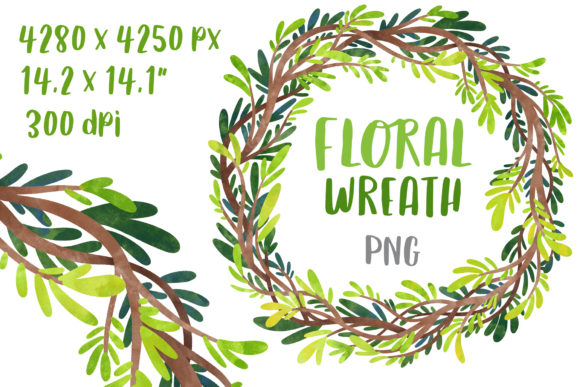
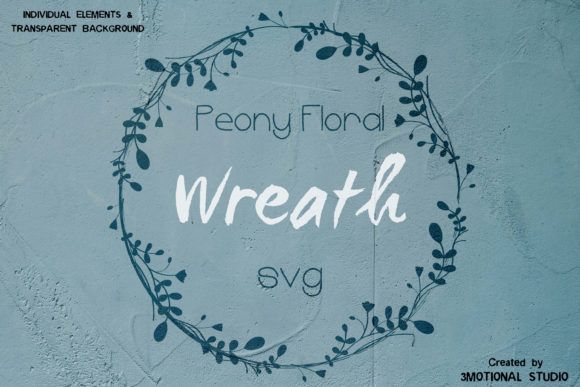
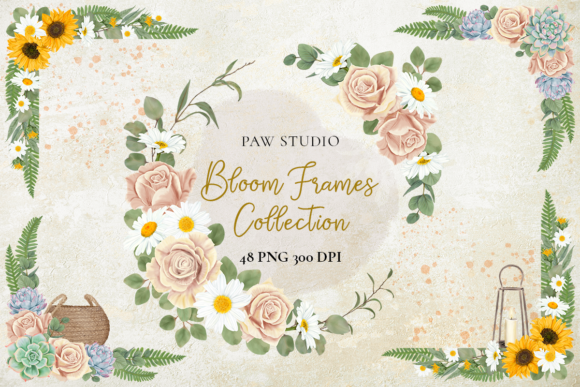
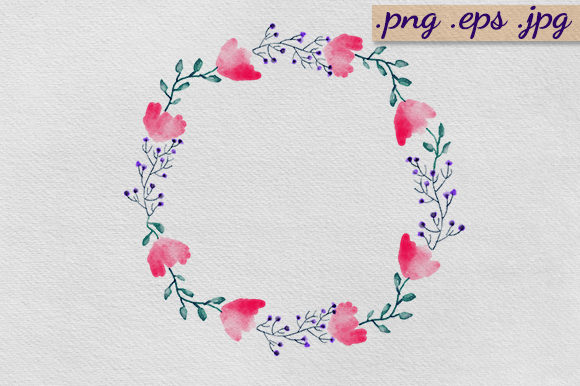
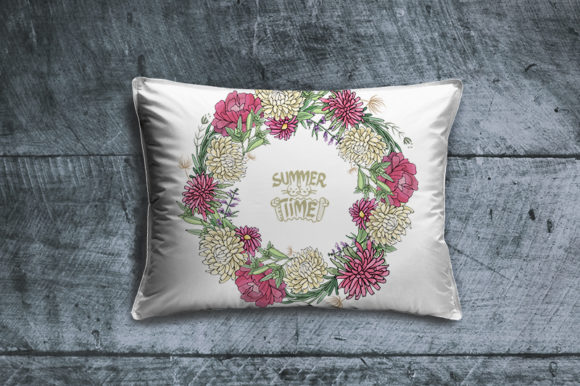
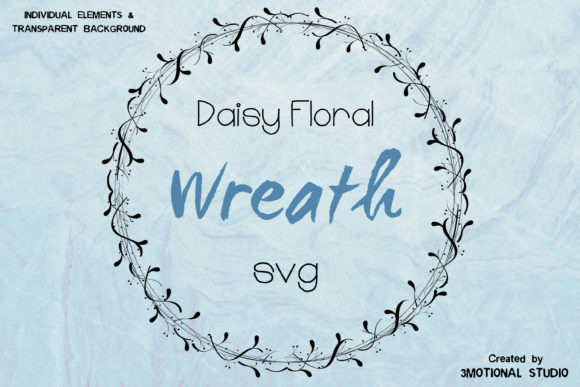
The Daisy Floral Wreath is a high-resolution digital illustration featuring daisies intertwined with botanical branches in a circular formation. It is designed to function as a framing device or a standalone focal point. The primary utility of this asset lies in its comprehensive file format inclusion. Users receive a ZIP file containing seven distinct formats: PNG, SVG, DXF, EPS, PDF, Adobe Illustrator CC, and Adobe Illustrator 10. This multi-format approach ensures compatibility across a spectrum of software, from professional vector editing suites to consumer-grade cutting machines and basic image viewers.
The inclusion of a 12x12 inch PNG at 300 DPI (4500x4500 pixels) addresses the needs of print designers requiring rasterized transparency. Simultaneously, the vector files (SVG, DXF, EPS, AI) cater to users who require infinite scalability without pixelation. This duality makes the wreath suitable for both small-scale stationery and large-format signage, provided the user selects the appropriate file type for their output medium.
Strategic Applications in Design and Crafting
Evaluating this wreath requires understanding where it performs best within a design ecosystem. The aesthetic is distinctly rustic yet refined, making it a strong candidate for specific niches.
- Wedding Stationery: The circular composition naturally frames typography. For invitation suites, save-the-dates, and menu cards, the wreath provides a soft border that does not compete with essential text information. The ability to edit colors in Adobe Illustrator allows designers to match specific wedding palettes precisely.
- DIY Branding and Logos: Small businesses in the wellness, floral, or artisanal sectors often utilize botanical wreaths to convey organic values. This asset serves as a cost-effective alternative to custom illustration for logo marks or social media profile frames.
- Physical Crafting: The DXF and SVG formats are optimized for vinyl cutters and laser engravers. Crafters can separate layers to create multi-colored vinyl decals or use the line work as a guide for wood burning and engraving projects.
- Scrapbooking and Memory Keeping: The transparent background of the PNG file allows for seamless layering over photographs and patterned papers without the need for manual masking or background removal.
Technical Benefits and Customization Potential
The significant advantage of acquiring this specific bundle is the depth of customization afforded by the vector formats. Raster images are static; once downloaded, their color and shape are fixed. In contrast, the EPS, DXF, PDF, SVG, and AI files included here are fully editable. Users with access to Adobe Illustrator or compatible vector software can modify individual anchor points, adjust stroke weights, and recolor specific petals or leaves. This capability transforms a stock asset into a bespoke design element.
Furthermore, the provision of an Adobe Illustrator 10 file ensures backward compatibility. Designers using older versions of Creative Suite or alternative vector software like Affinity Designer or CorelDRAW often encounter issues with newer AI files. Including a legacy version mitigates technical friction and expands the asset's accessibility to users who have not upgraded to the latest Creative Cloud subscriptions.
Tradeoffs and Practical Considerations
While the Daisy Floral Wreath offers substantial flexibility, objective evaluation requires acknowledging limitations and tradeoffs inherent to digital botanical assets.
Licensing and Uniqueness: As a digital download, this asset is non-exclusive. Multiple users may utilize the same wreath in their projects. For brands requiring a legally trademarkable logo or a completely unique visual identity, this asset should serve as a starting point or a secondary element rather than the primary brand identifier. Significant modification is recommended to ensure distinctiveness.
Software Dependency: While the PNG is universally accessible, unlocking the full value of the product requires vector editing software. Users who only possess basic photo editing tools will be limited to resizing and rotating the raster file. They will not be able to change colors or alter the botanical arrangement. Prospective buyers must assess their current software capabilities against their desired level of customization.
Style Specificity: The "dreamy, natural" aesthetic is intentional but limiting. This wreath is ill-suited for corporate, tech-forward, or minimalist geometric designs. Attempting to force this organic style into a rigid modernist layout often results in visual dissonance. It is crucial to evaluate whether the softness of the daisy and branch arrangement complements or clashes with existing brand guidelines.
Digital Delivery and Workflow Integration
It is important to note that this is a digital-only product. No physical item will be shipped. This delivery model offers immediate access and eliminates shipping costs, but it places the responsibility of file management and color calibration on the user. Colors viewed on an RGB monitor may differ from CMYK print outputs. Designers intending to use this wreath for professional printing should perform test prints to verify color accuracy, especially after modifying the vector files.
The organization of the ZIP file facilitates efficient workflow integration. Having separate files for different purposes prevents the need to convert formats manually, which can sometimes result in data loss or artifacting. For example, using the dedicated DXF file for a Silhouette cutter is preferable to converting an EPS file, as the DXF is pre-optimized for cutting paths.
Determining Alignment with Project Goals
Deciding whether to incorporate the Daisy Floral Wreath into a project hinges on three factors: aesthetic alignment, technical capacity, and exclusivity requirements.
This asset is a strong fit if the project demands a romantic, organic, or vintage tone and the user possesses the tools to leverage vector formats. It is particularly valuable for event planners, DIY brides, and small business owners who need professional-grade botanical elements without the budget for custom illustration. The high resolution and transparent background also make it a reliable choice for mixed-media artists and scrapbookers.
Conversely, alternatives should be considered if the project requires exclusive rights, a modern or industrial aesthetic, or if the user lacks vector editing software and requires color customization. In such cases, commissioning a custom artist or seeking a different stylistic category would yield better results.
Ultimately, the Daisy Floral Wreath represents a functional middle ground between free clip art and expensive custom design. By providing extensive format options and editable vectors, it empowers users to adapt a standardized botanical element to diverse creative contexts. Success depends on realistic expectations regarding exclusivity and a clear understanding of how to utilize the various file types to achieve the desired dreamy, natural finish in both digital and physical mediums.